
Inclusive Meetings Checklist
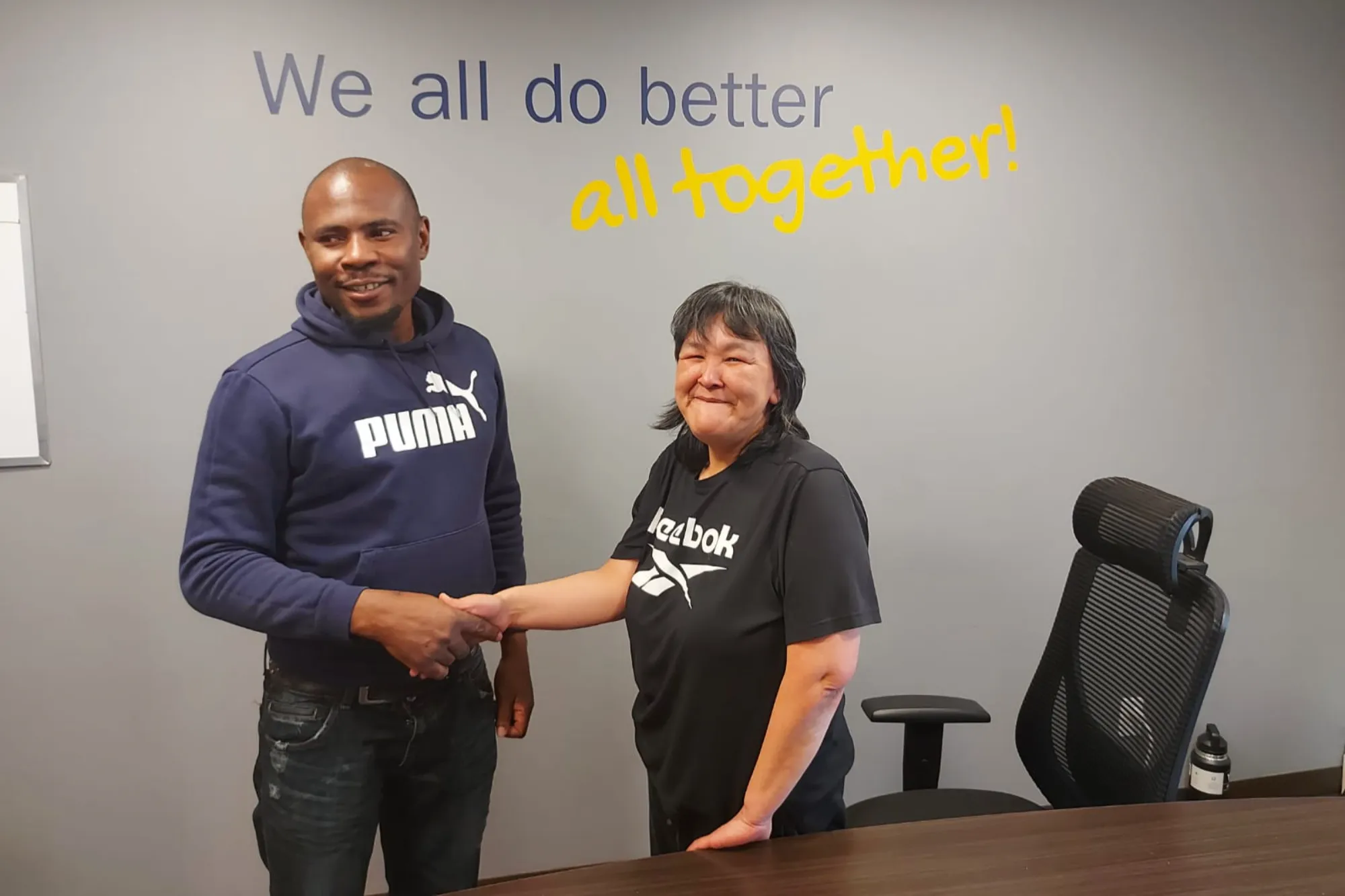


Inclusive meetings remove barriers and ensure full participation for all attendees, including individuals with disabilities. Whether meetings are in-person or virtual, considering accessibility needs helps create an equitable and welcoming space.
Tips for Making Meetings Accessible
Before the Meeting
- Provide an option for employees to request accommodations ahead of time
- Choose an accessible location such as meeting spaces that have step-free access, wide doorways, accessible seating and restrooms.
- Send agendas and presentations ahead of time with multiple formats. Make sure that they are accessible such as larger prints, digital text, and braille.
- Use platforms that support screen readers, captions, and keyboard navigation.
- Test your technology and make sure that all the virtual meeting features work before the meeting.
During the Meeting
- Provide time for your employees to process and respond. Use simple and plain language. Avoid jargon.
- Enable captions and sign language interpretation, if needed.
- Read out the key points from slides or documents for employees who may not be able to see them.
- Offer alternative methods of communication, such as a pen and paper or a tablet or phone.
- During in-person meetings, ensure an accessible seating arrangement.
- Offer breaks, especially for longer meetings, to support the participants with different levels and cognitive needs.
After the Meeting
- Share meeting notes, transcripts and video recordings with captions.
- Address any issues raised and improve for future meetings.
- Ask participants about their experience and what improvements can be made for accessibility.
Examples of Inclusive Meeting Practices
Below are a few examples of how to create inclusive meeting practices. Let’s look at each scenario and find ways to make our meetings more inclusive.
Scenario 1
A team meeting includes a presentation of complex charts and data.
Inclusive practice: Make sure to send the slides and notes in an accessible format before the day of the meeting. Ideally, send it at least 2 days before the meeting so that participants can review them in advance.
Scenario 2
A participant using a communication device needs extra time to type responses.
Inclusive practice: Pause after questions to allow responses from participants through chat.
Scenario 3
A virtual meeting includes participants with hearing impairments.
Inclusive practice: Enable auto-generated captions and provide a sign language interpreter.
Disability Etiquette in Meetings
- Do not touch a person’s mobility device; it should be considered part of their personal space.
- If a person has an interpreter or support worker, talk to the participant, not their assistant.
- Avoid making any assumptions.
- Use clear and respectful language.
Following these inclusive meeting practices can create barrier-free, respectful, and productive discussions for everyone.